Student resources
Print a campus assignment without rushing
Check the file and printer before the hour when you need the pages.
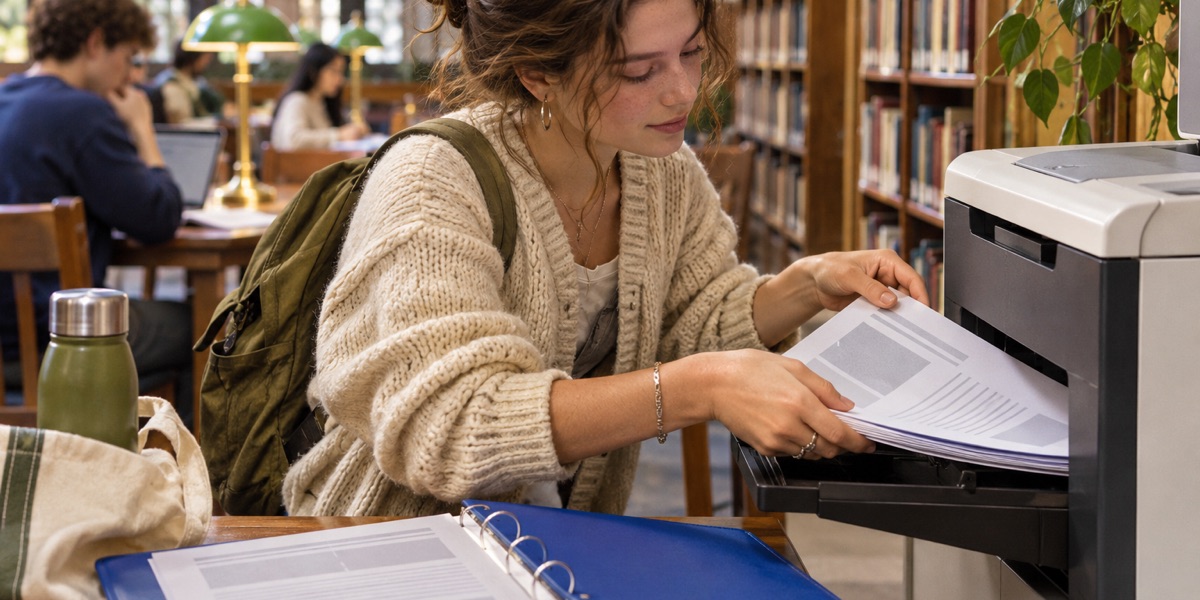
I like to check the actual PDF before I walk to a printer. The time I save on small surprises is usually worth the extra minute.
Export the final version
Open the PDF and scan the first and last pages. Check orientation, page numbers, and whether any text has fallen off the edge. Look up the required paper size and whether double-sided printing is allowed. Give the final file a name you can find quickly at the print station.
Know where you can print
Check the nearest campus printer’s hours, queue, and payment process. Save a second location if your usual one is unavailable. For a long report with important diagrams, try one sample page if the print system allows it. Check the diagram is legible before paying for the entire set.
Leave time to collect it
I would print earlier in the day when an assignment also needs a cover page or a binder. Count the pages, confirm the order, and keep them in a folder on the way to class. If the file contains material you are expected to keep private, collect it from the printer promptly.
— Farah · Farah on X